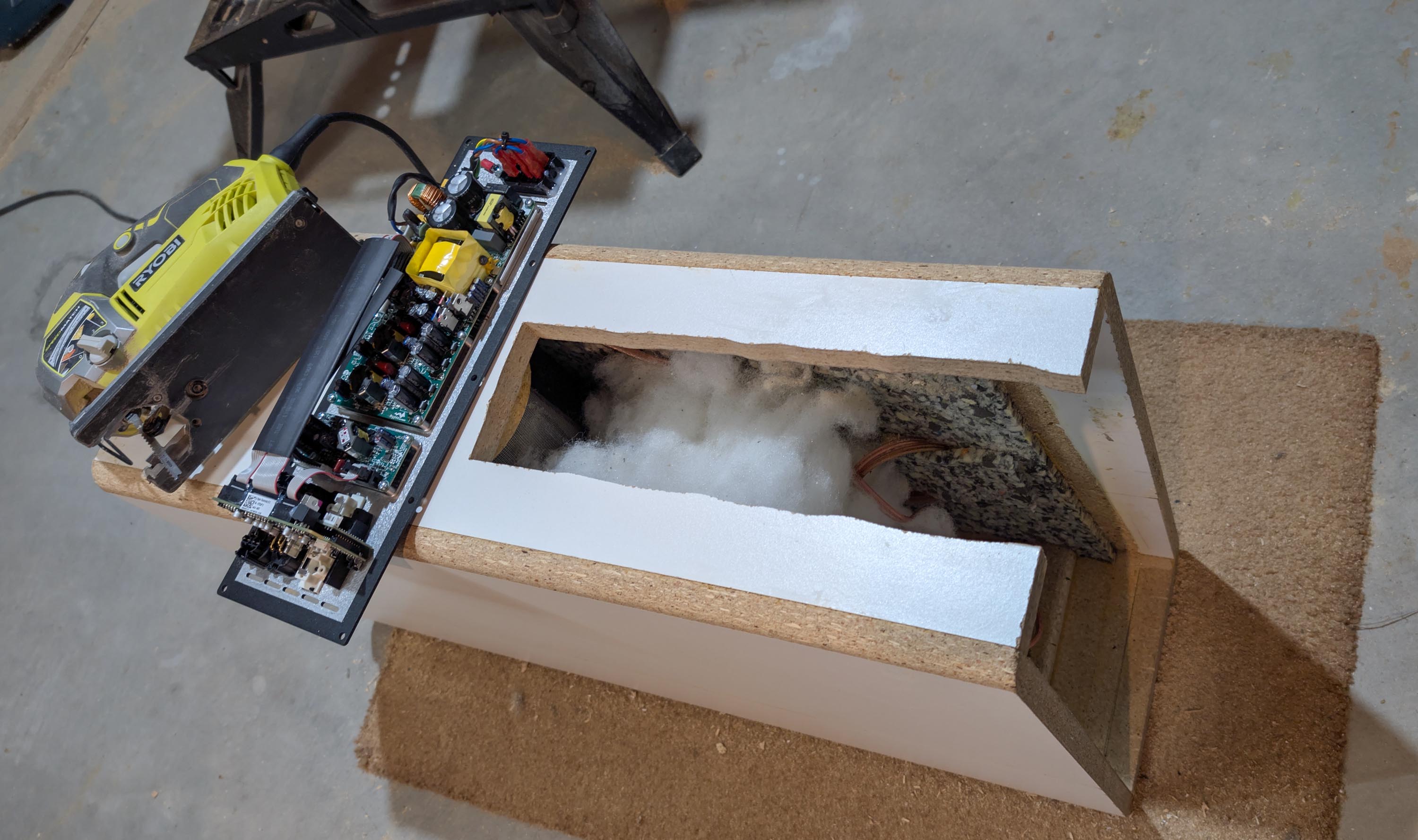
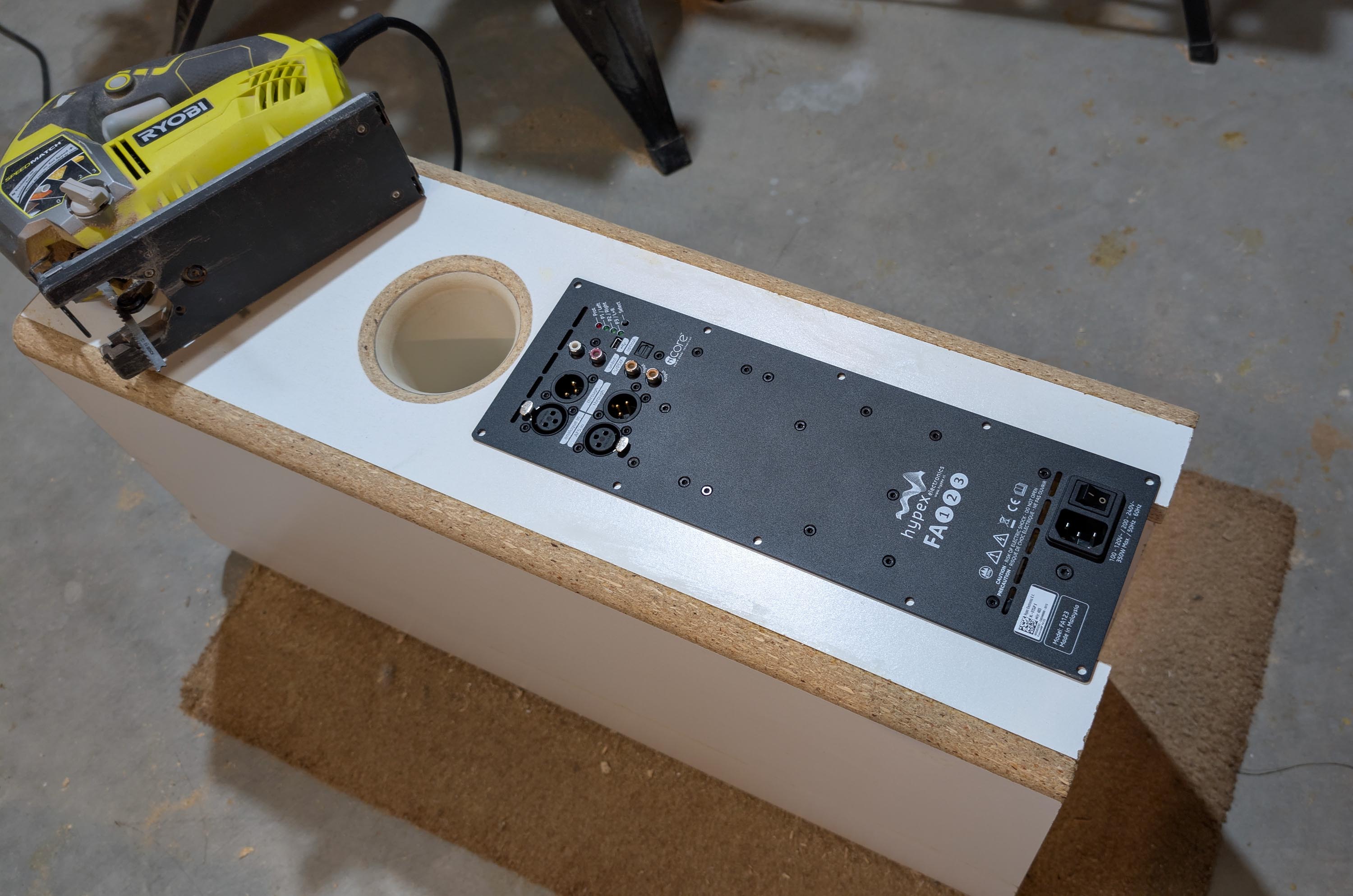
I won two Hypex FA123 plate amps at the SDC this year, so I decided to take the plunge into DSP and FIR filtering. There is quite a bit of documentation on the web as to how to go about implementing FIR filters on a DSP type DIY speaker buildling project, but it is very sporadic and difficult to follow. So I decided to start my own thread on this topic, using the thread as a learning tool to carefully document my adventure. I’ll be asking many newbie type technical setup questions as I go along, so feel free to step in and correct me from time to time as I am sure that I will be
making many mistakes. This will be a 3 way digital DSP project using the new Hypex FA123.
Projected Workflow (based on my study so far):
- Take in box Spin SPL and IMP measurements using dual channel mic and DATS V2.
- Develop crossover in VituixCAD using digital Biquads instead of passive parts.
- Export the three crossover filter sections as TXT impulse files.
- Import the three TXT impulse file xover filters (T, mid, Woof) to Hypex HFD software.
- Connect Hypex HFD software to the plate amp via usb cable.
- Export the three filter sections to Hypex Preset 1.
- Import the same 3 TXT impulse file xover filters to the rePhase software package.
- Pound the phase squigglies flat in rePhase.
- Export the three phase corrected TXT impulse file xover filter sections.
- Import the three phase corrected TXT impulse files to Hypex HFD software.
- Connect Hypex HFD software to the plate amp via usb cable.
- Export the three filter sections to Hypex Preset 2.
- Hook Hypex plate amps to my preamp and play some music.
- As the music plays, flip back and forth between preset 1 and 2 using Hypex IR remote (don’t have the remote package yet, but will be picking it up soon).
- See if I can hear a difference between the IIR and FIR filter presets.
Please note that I will be using the latest Hypex Filter Design (HFD) program verion 5.24. My Hypex FA123 fusion amp came loaded with firmware bundle FA32 v5.7 and reports in the software as a DSP3-213 (fusion amp). It is important to note these numbers because some of the earlier versions of the Hypex amps can only handle IIR Biquad type filters, not FIR filters. Also, the latest versions cannot natively create FIR filters. So I will need to process the filter files with the RePhase software program to create the FIR files. Should be a fun project!