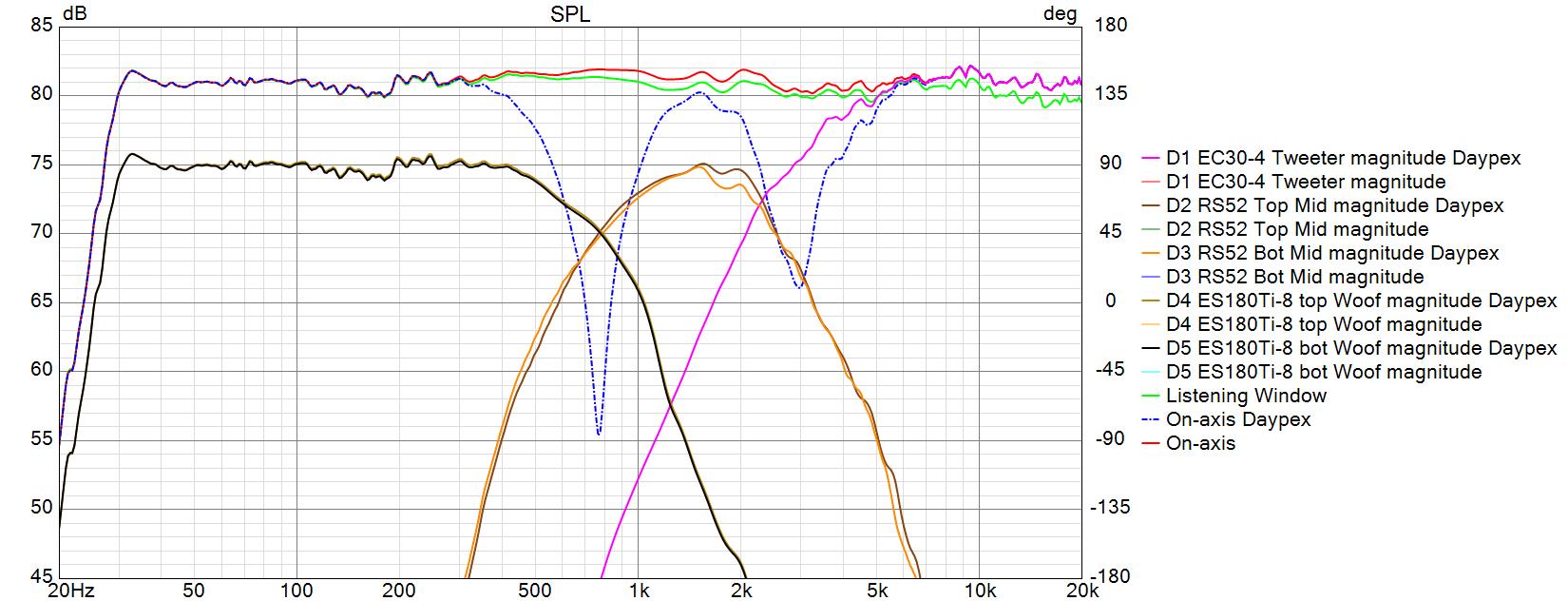
Good tip! Avoids unnecessary duplication. Here are the reverse nulls exported at 25dB/decade. Question: Have you noticed that when you export a graph with preferences set at 25dB/decade, VCAD gives you a 20dB/decade aspect ratio instead? On my Win7 laptop, I have to set VCAD preferences at 35dB/decade in order to export a graph at 25dB/decade. Weird. Maybe it is just my computer setup, not sure.
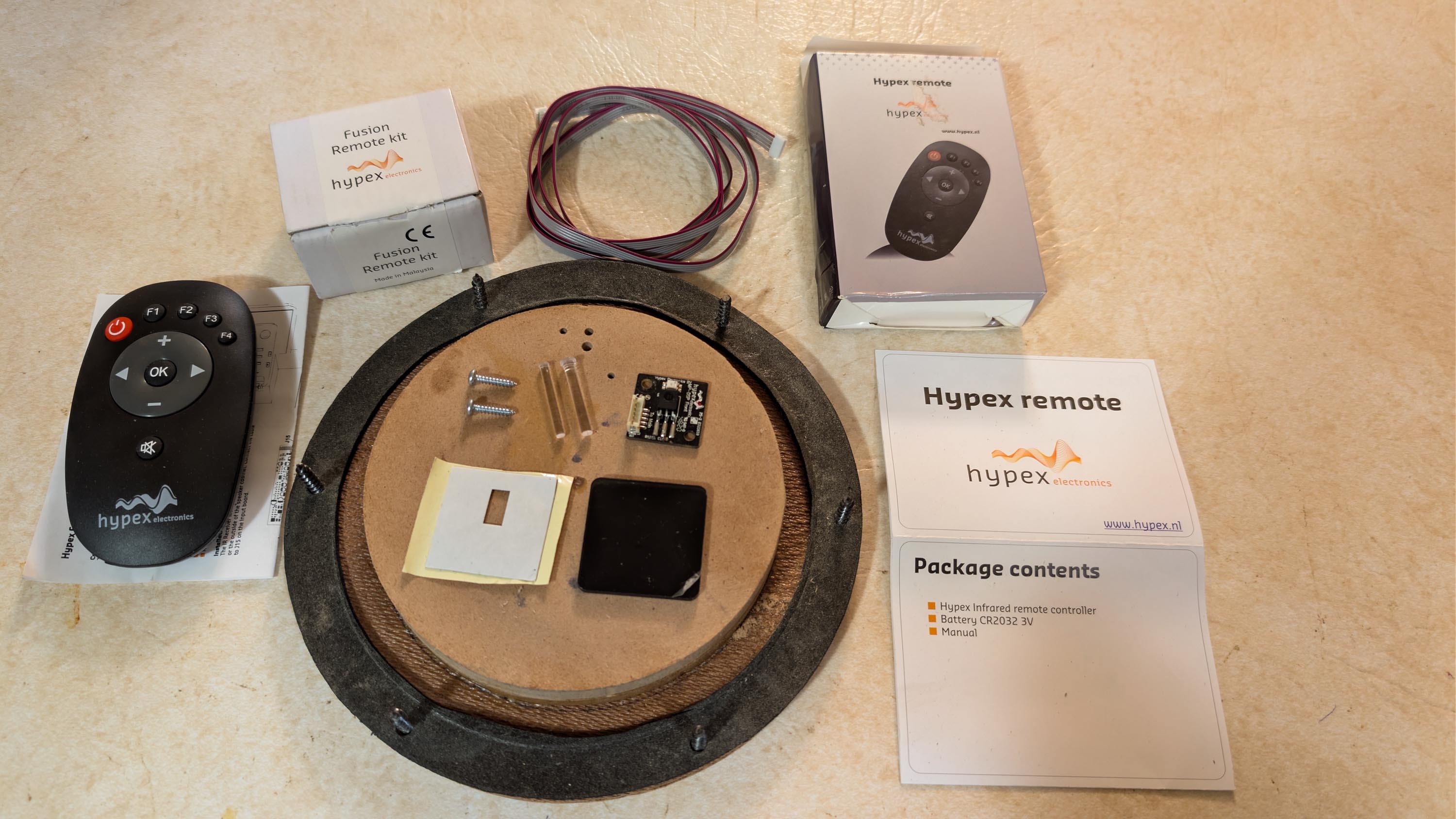
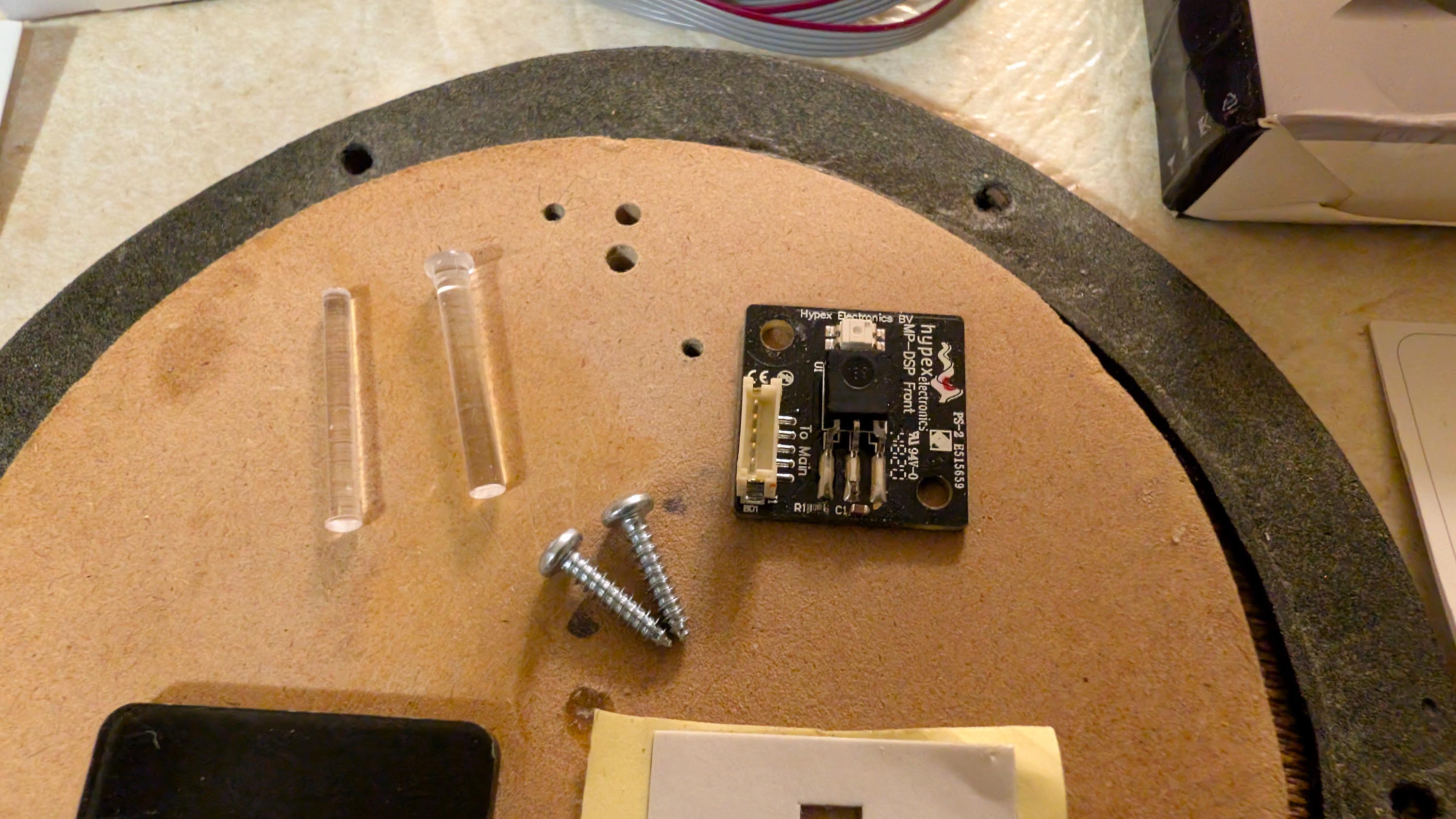
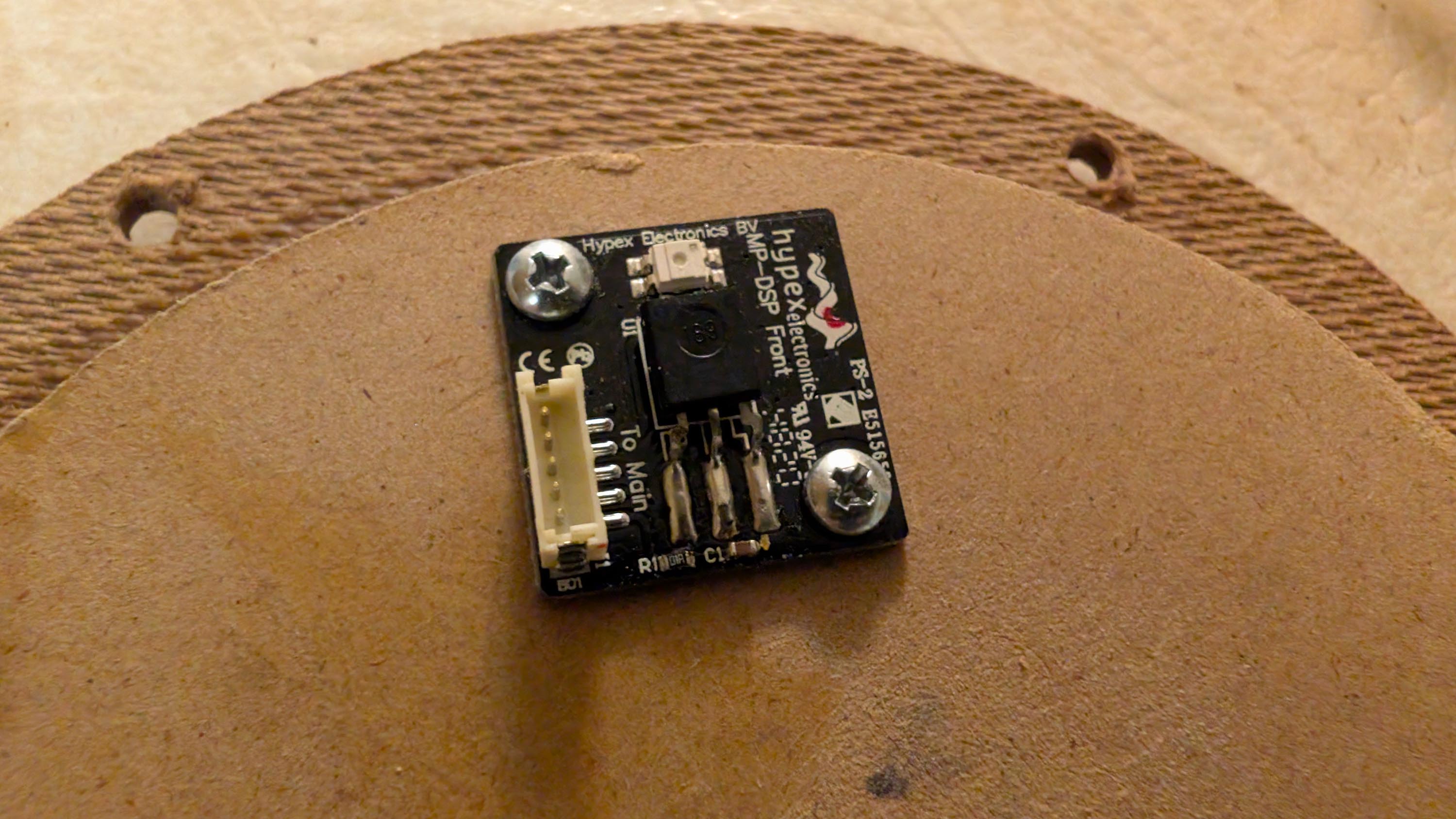
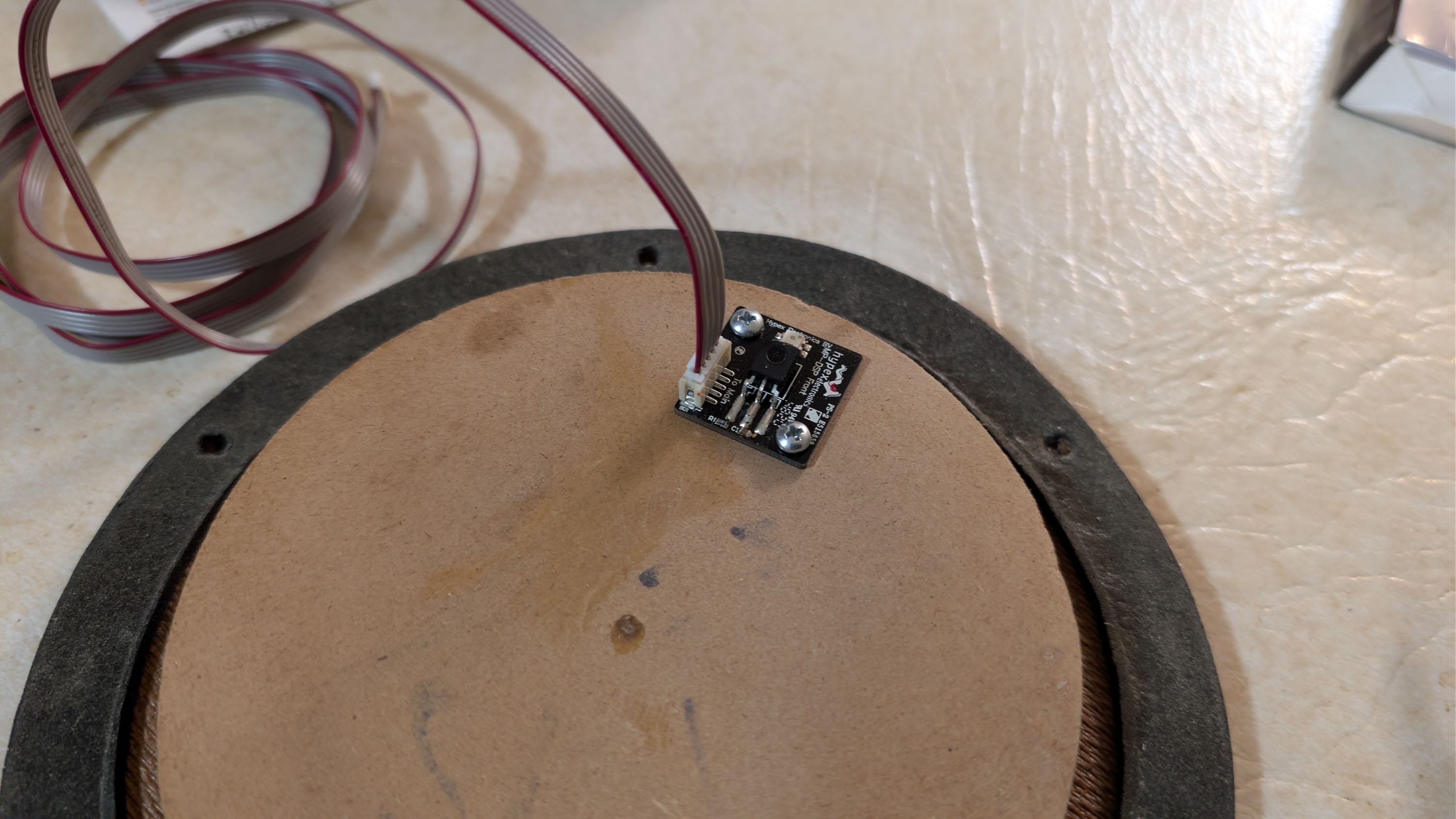
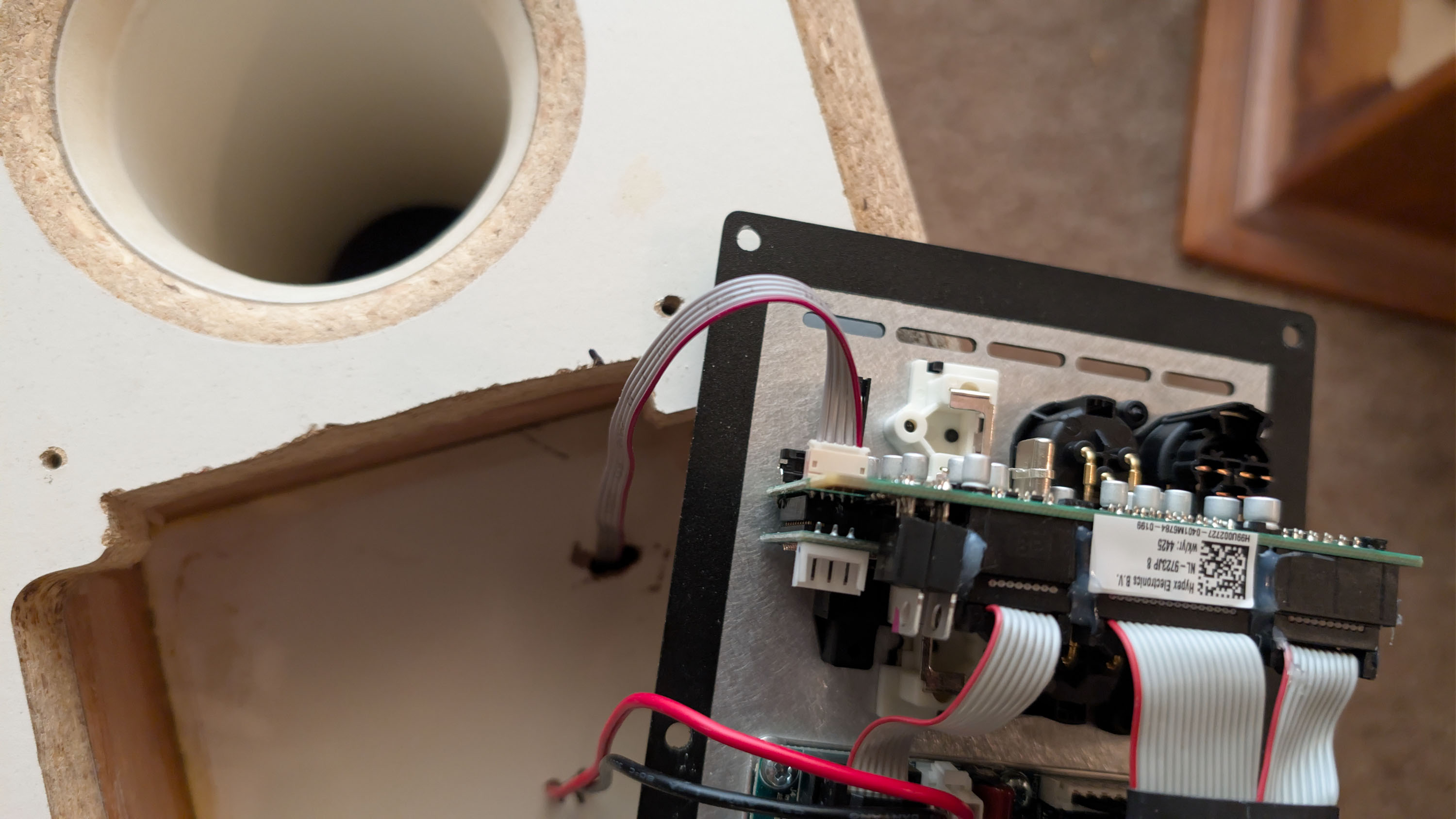
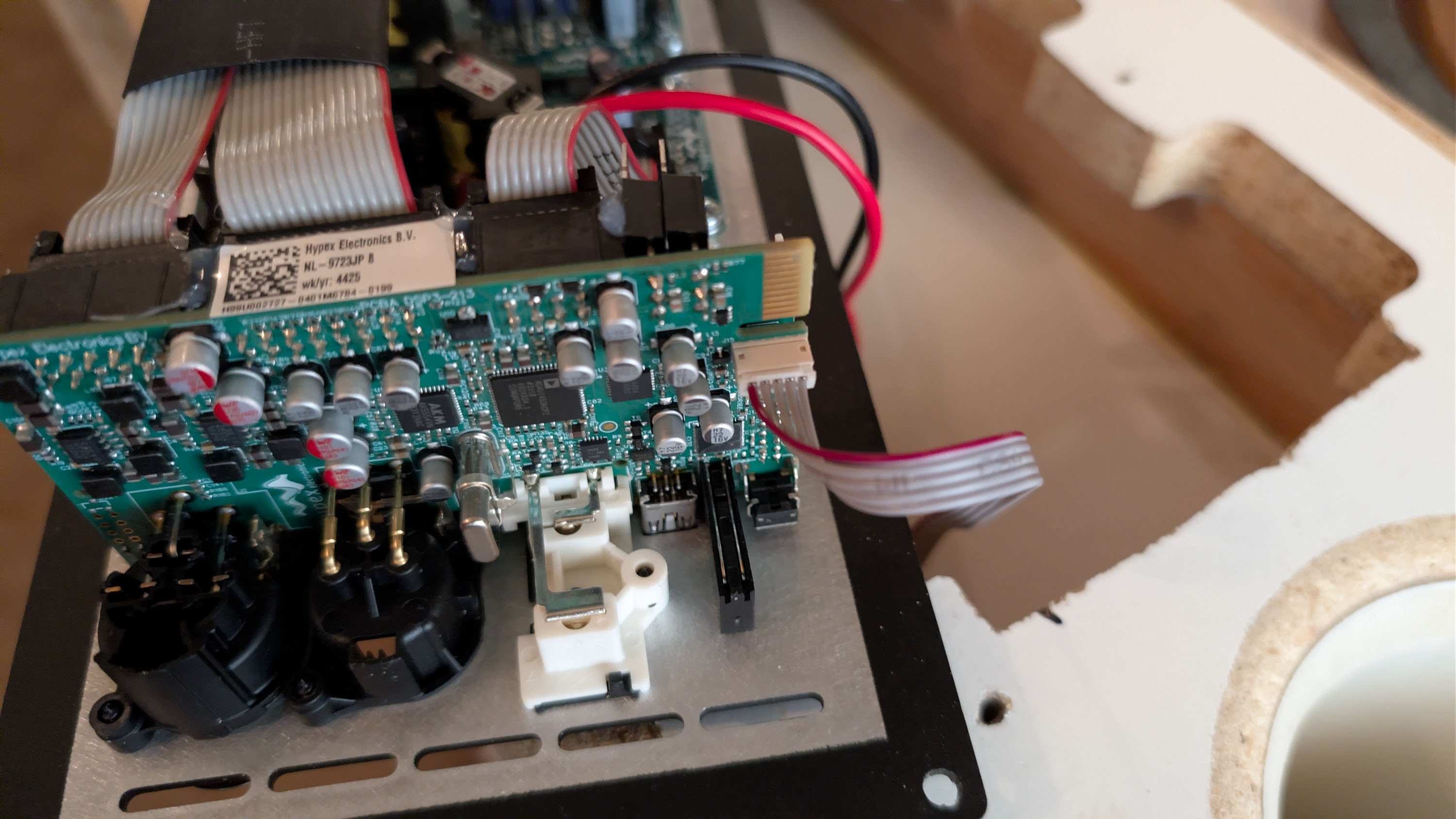
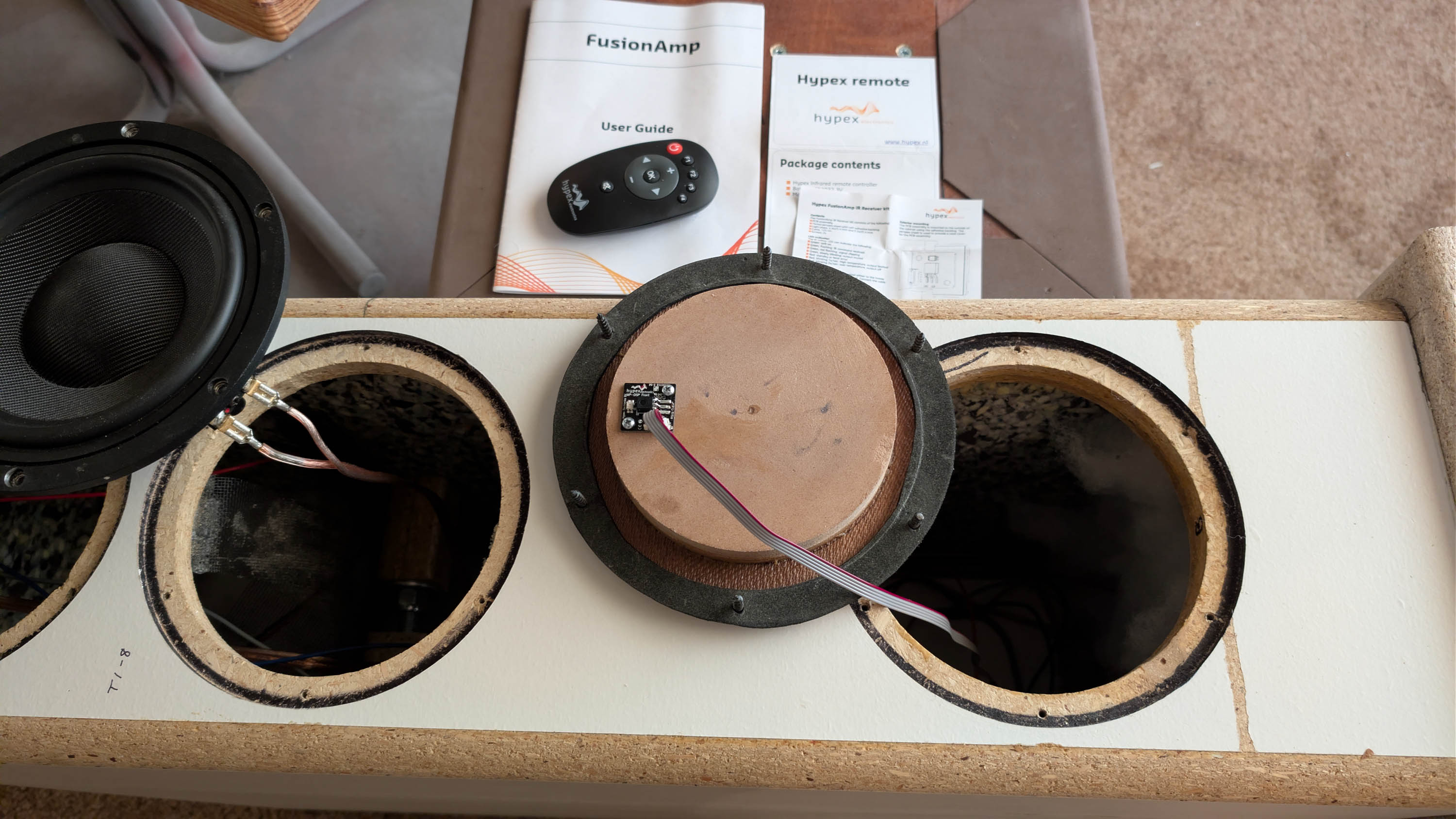
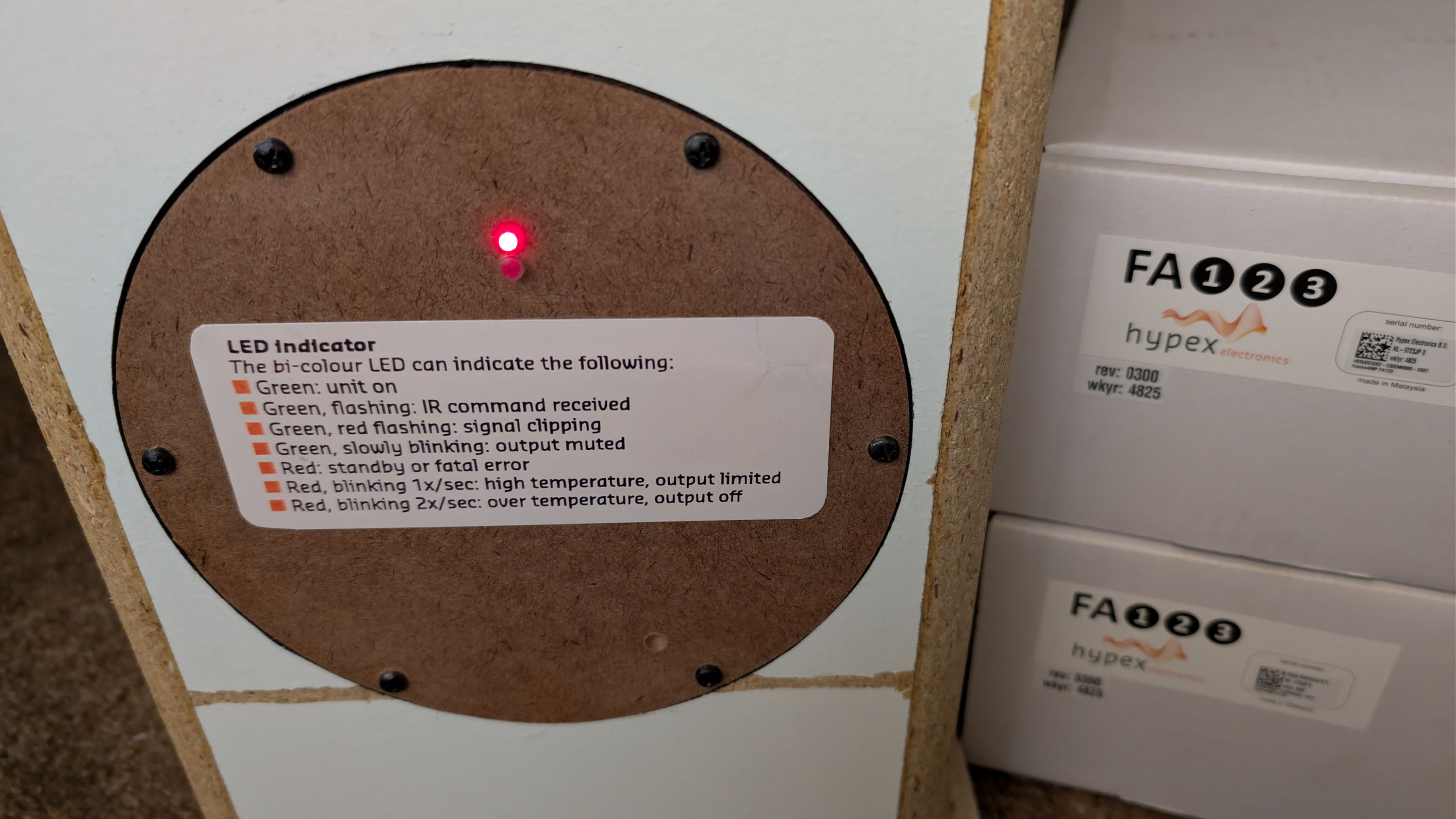
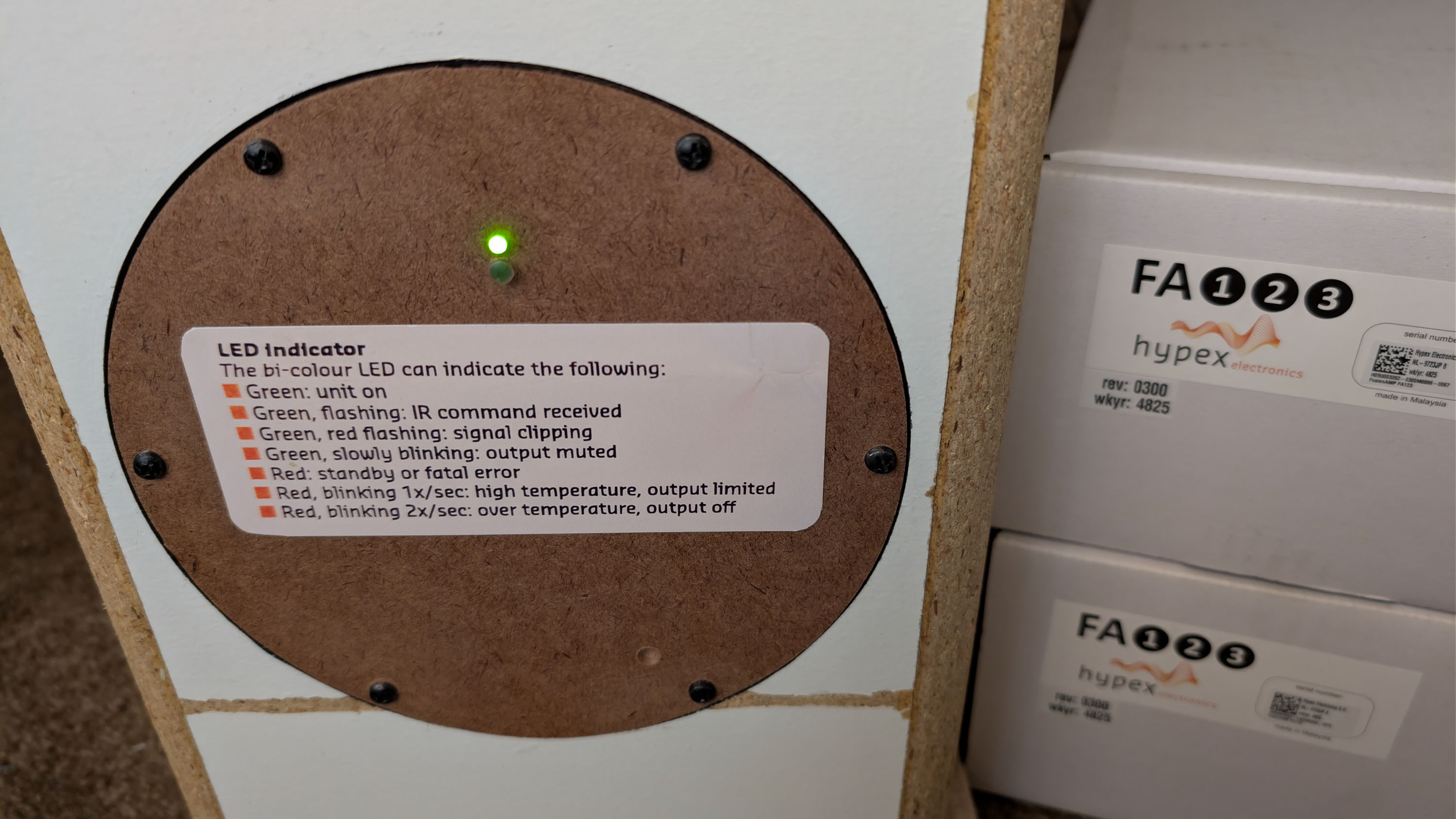
I installed a Hypex IR remote kit so I can mute, adjust volume, and change presets from my easy chair. PE sells two versions: A more expensive OLED display version and a less expensive LED lightpipe version. I installed the cheaper LED lightpipe version because, well, because I am cheap! Moreover, I really didn’t see any advantage to the OLED version because the only extra thing it gives you is a temporary readout of the current volume dB level on a very small screen.
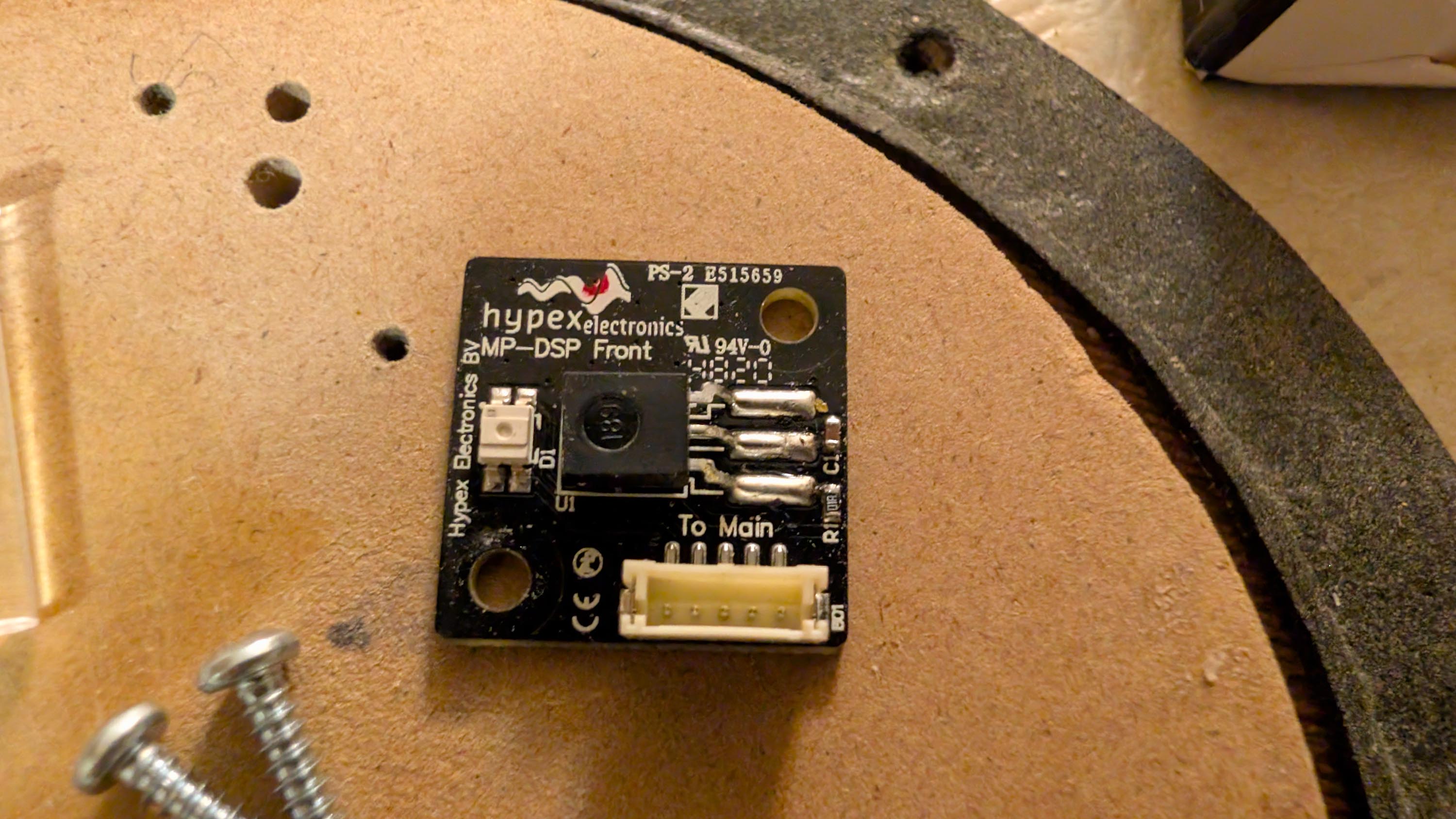
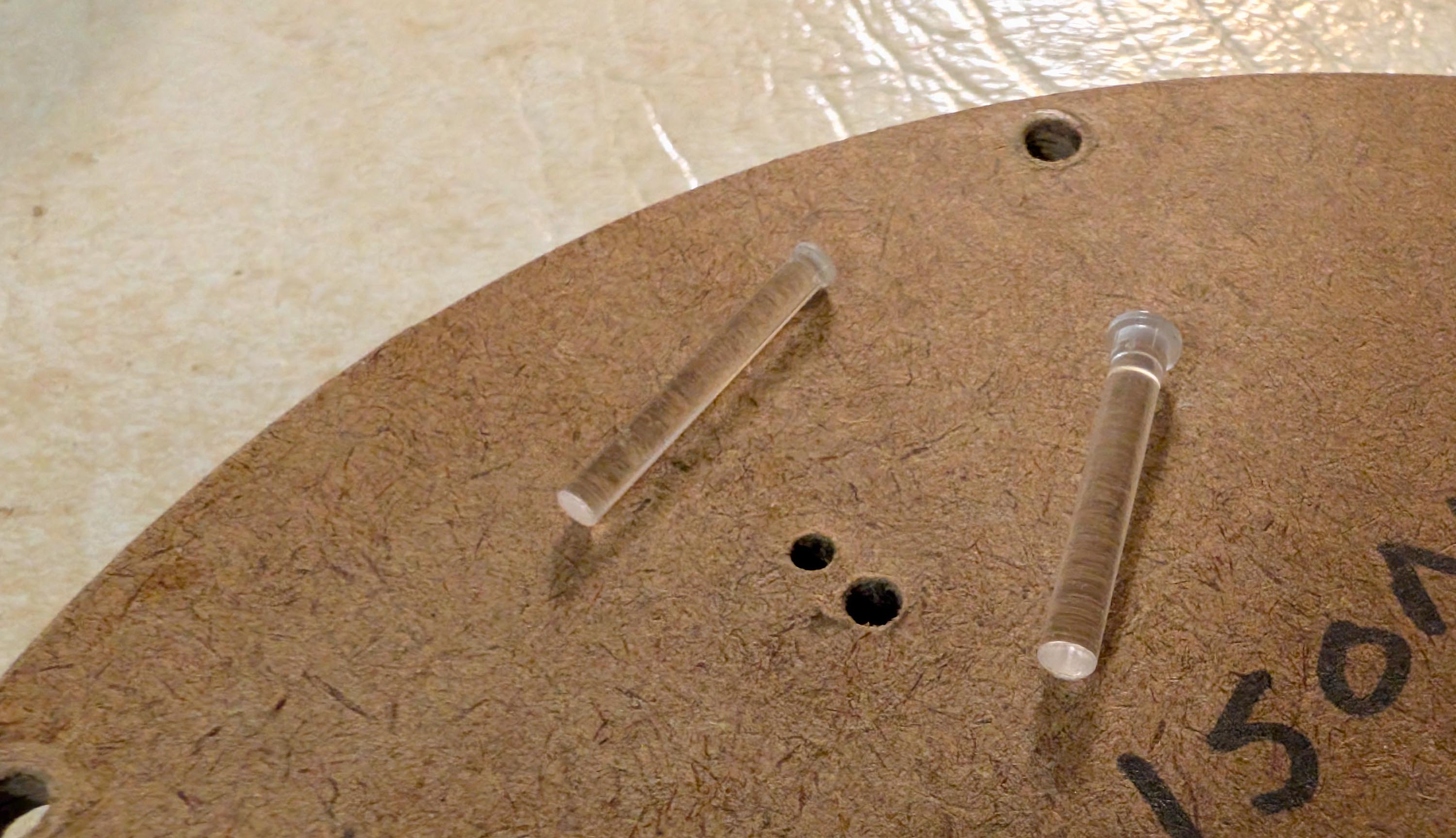
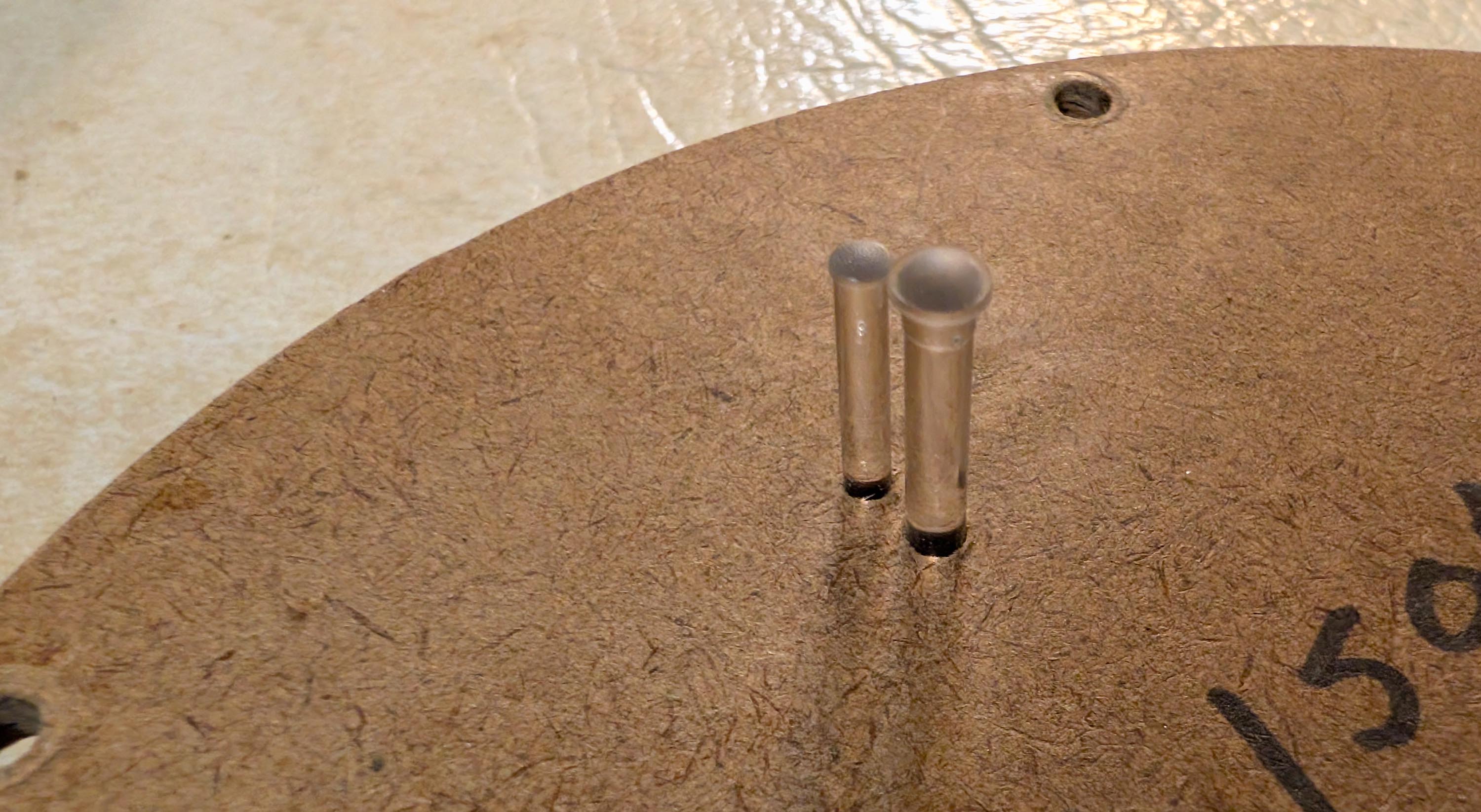
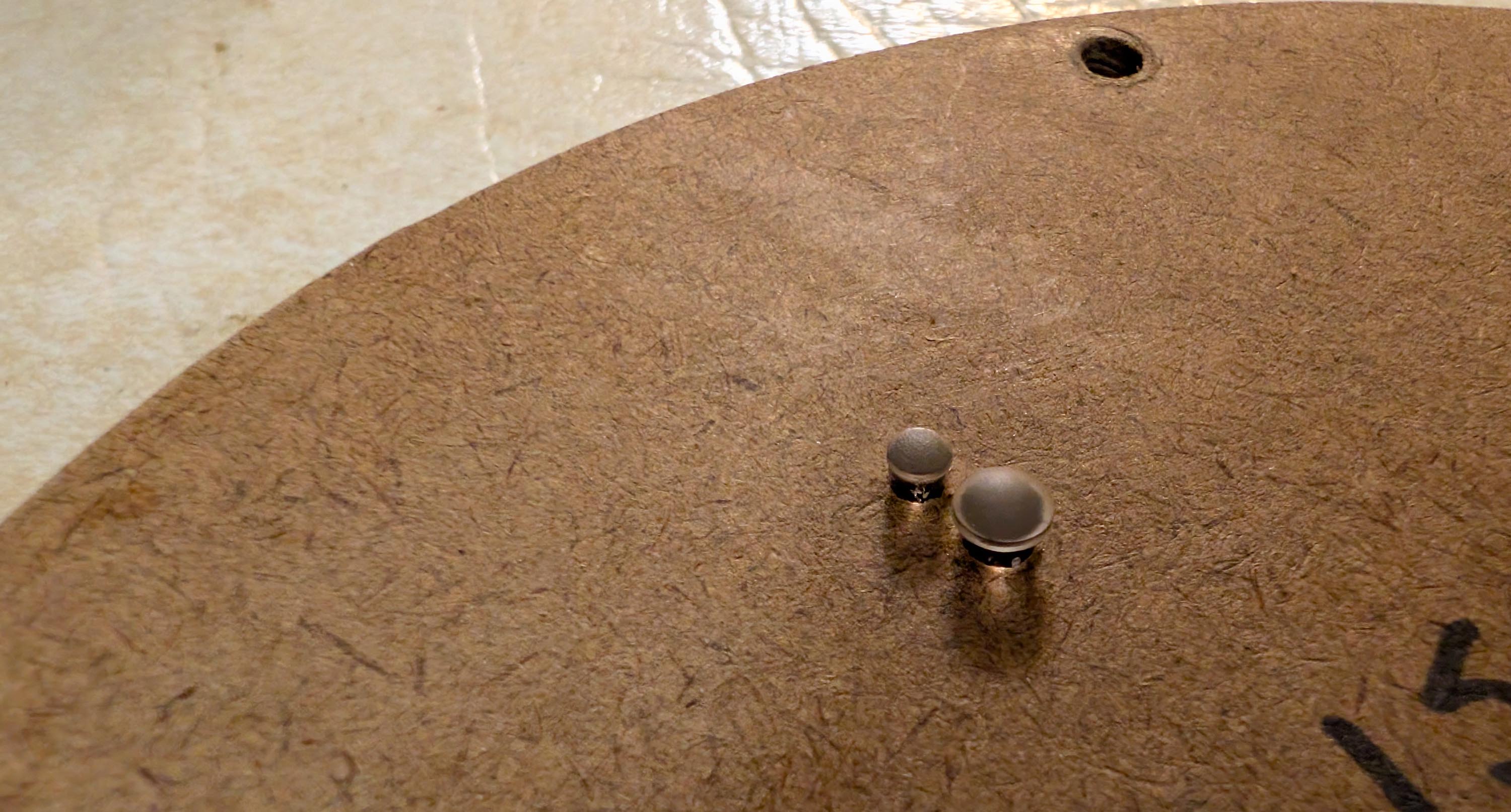
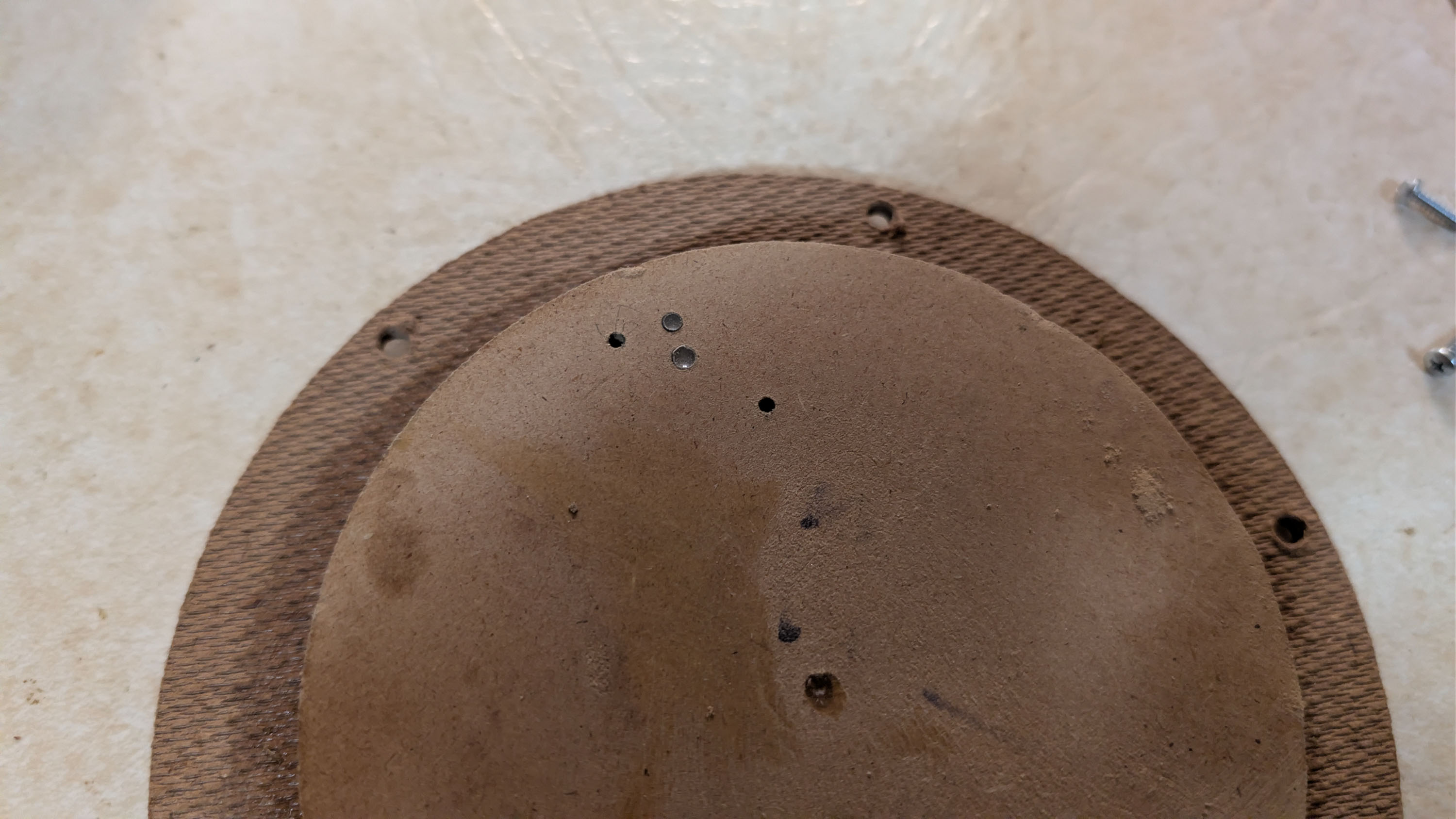
The cheaper LED version doesn’t have a screen. It transmits the remote IR signal push button commands through a small diameter light pipe that causes an LED to flash red or green through another small diameter light pipe. And that is really all the feedback I need. Installation involved drilling a couple small holes in one of my front panel woofer hole plugs. See pics below:
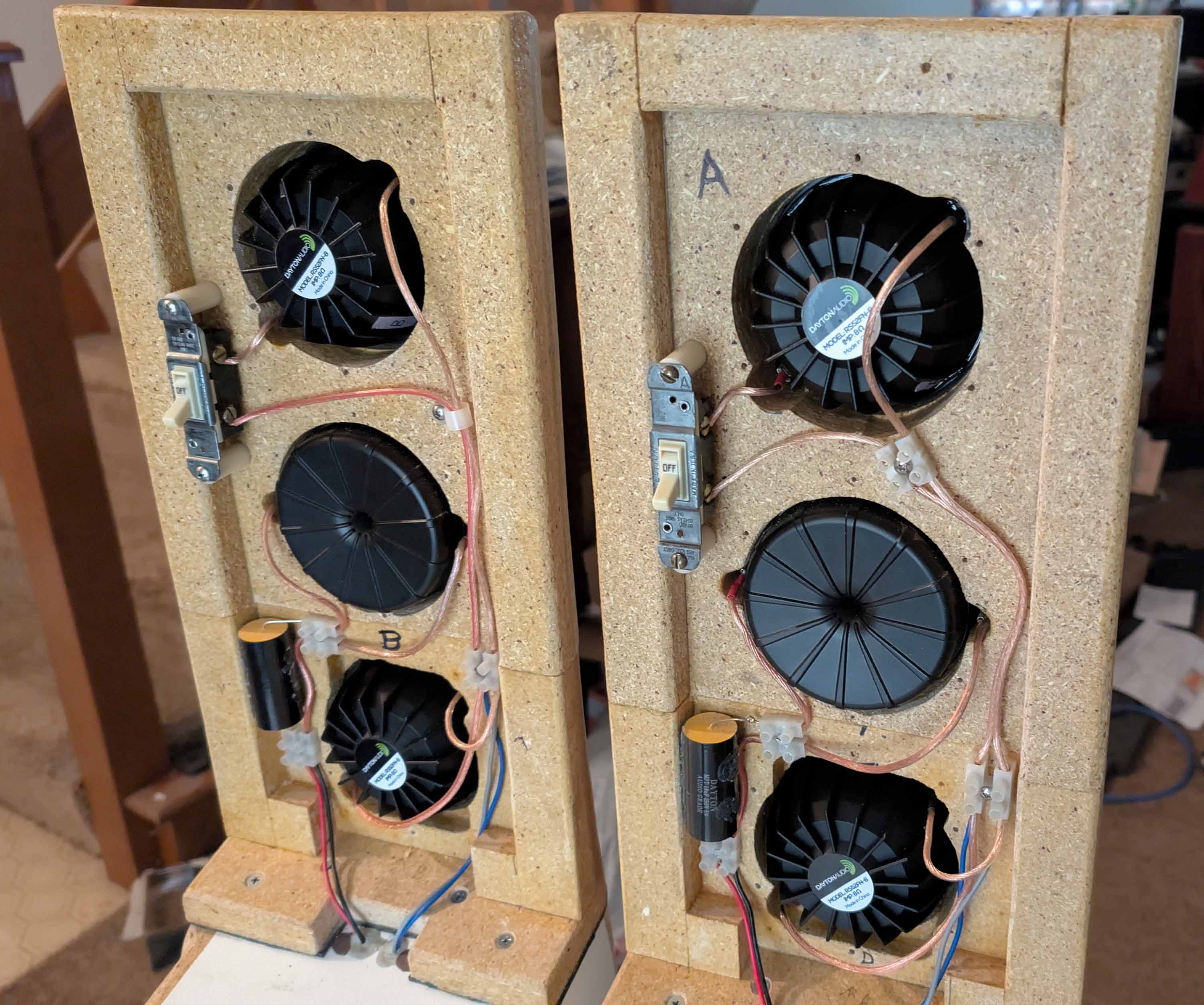
I had some extra time on my hands, so I added a pair of on/off switches in series with the upper midrange drivers. Now I can go from MTMWW to TMWW with the simple flip of a switch and push of a remote preset button!
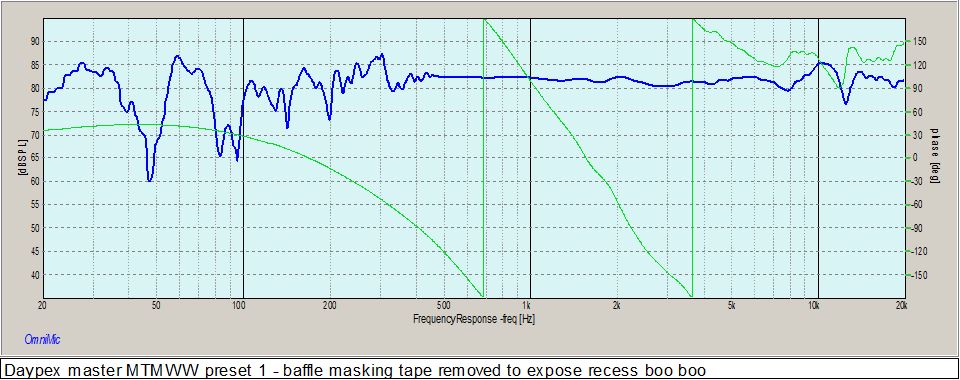
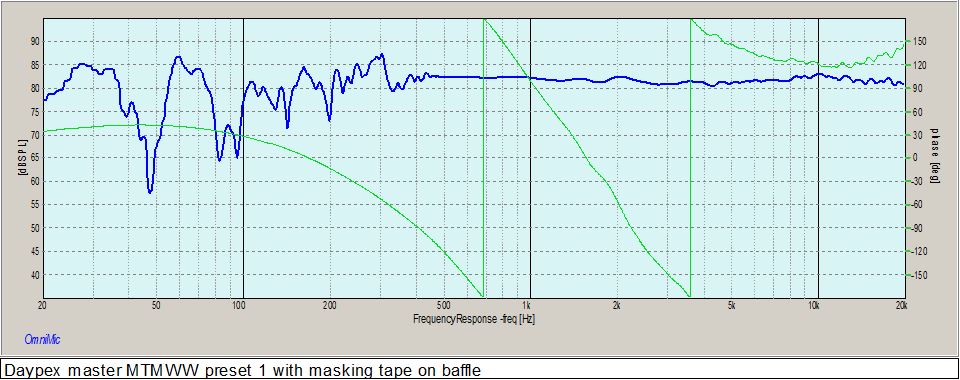
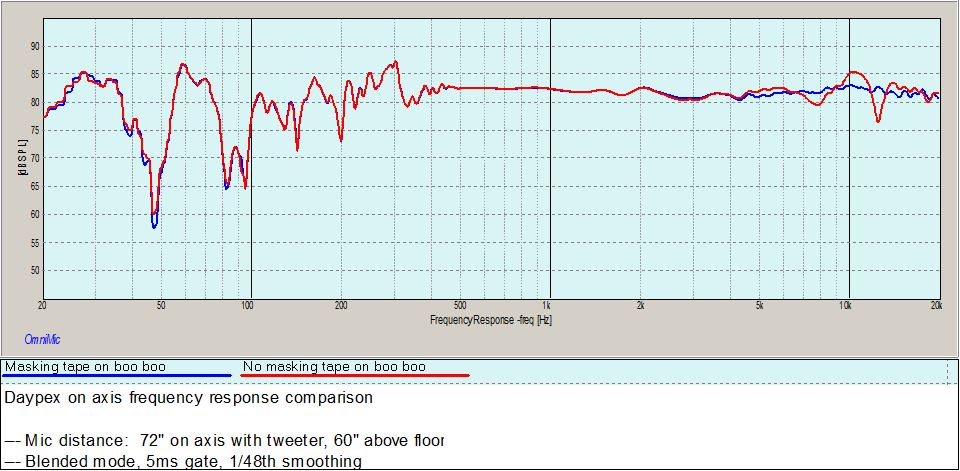
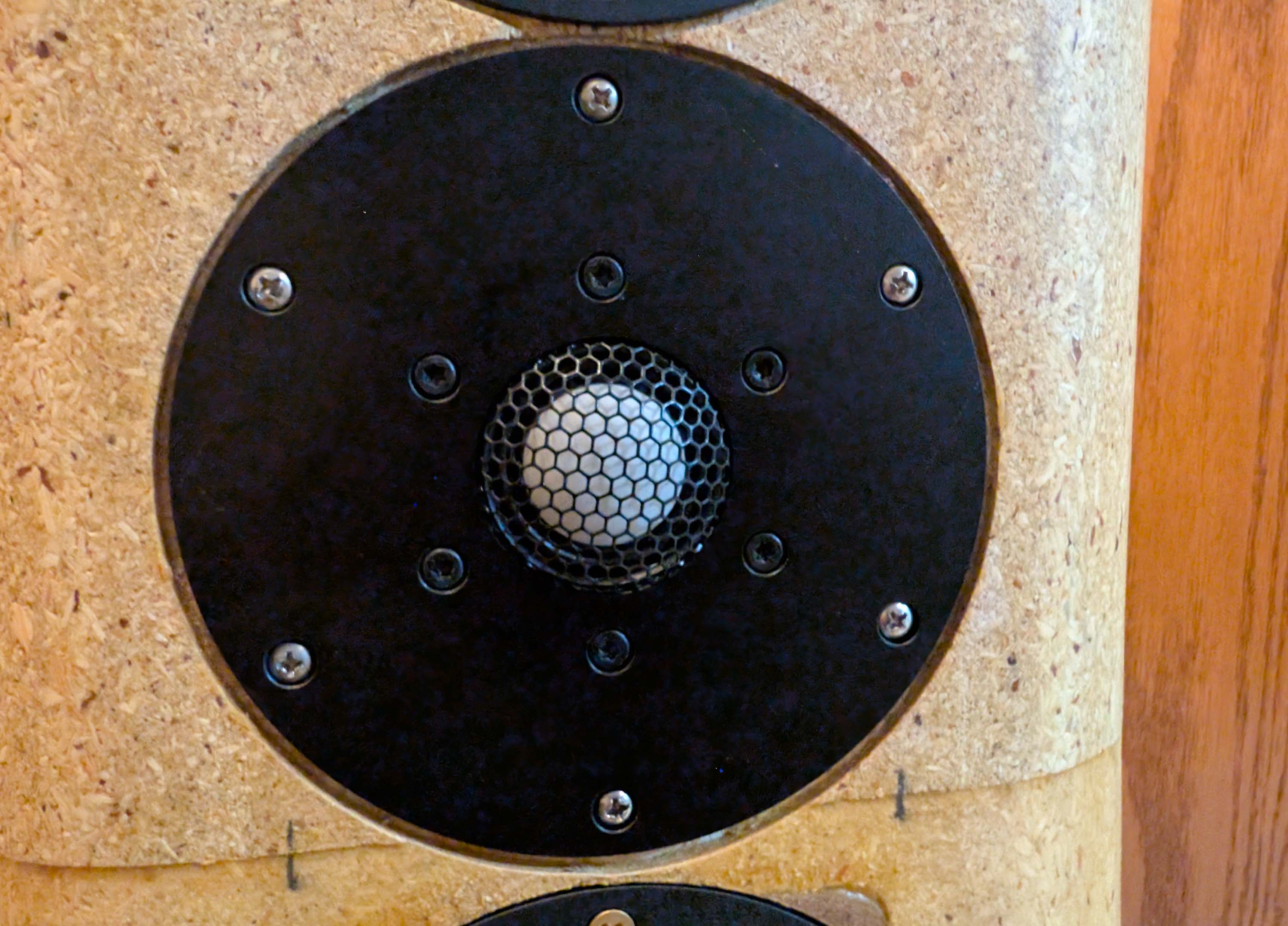
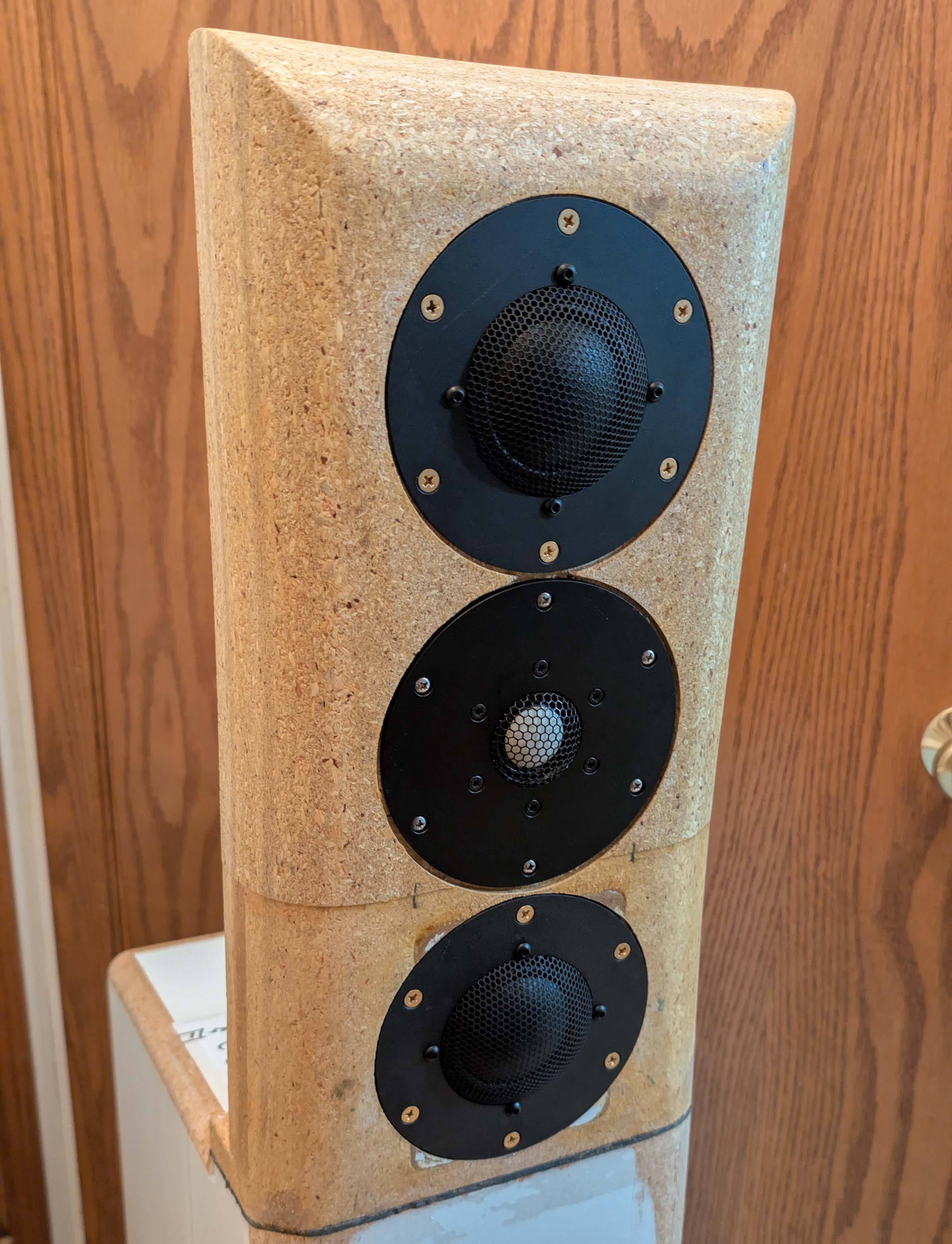
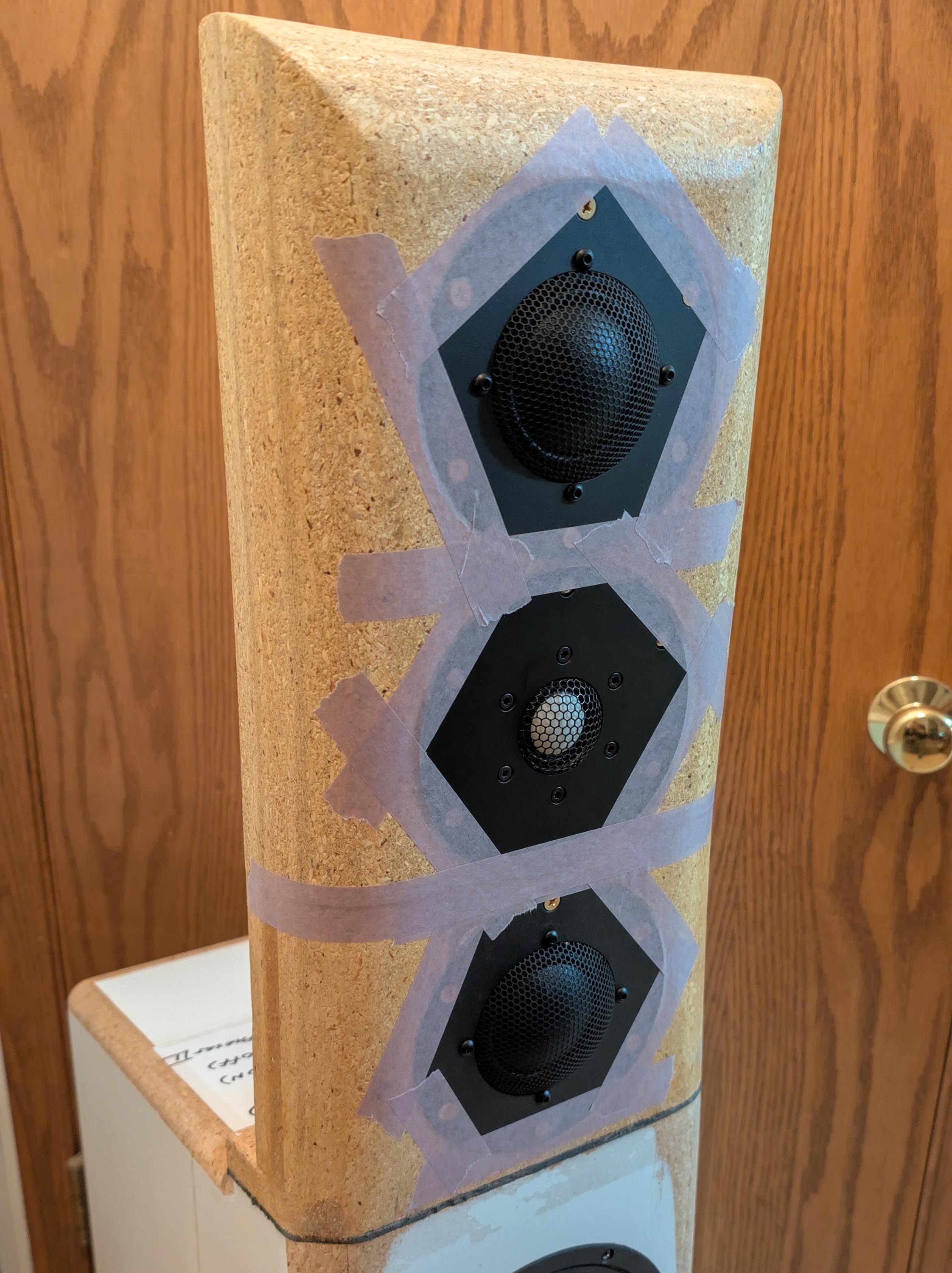
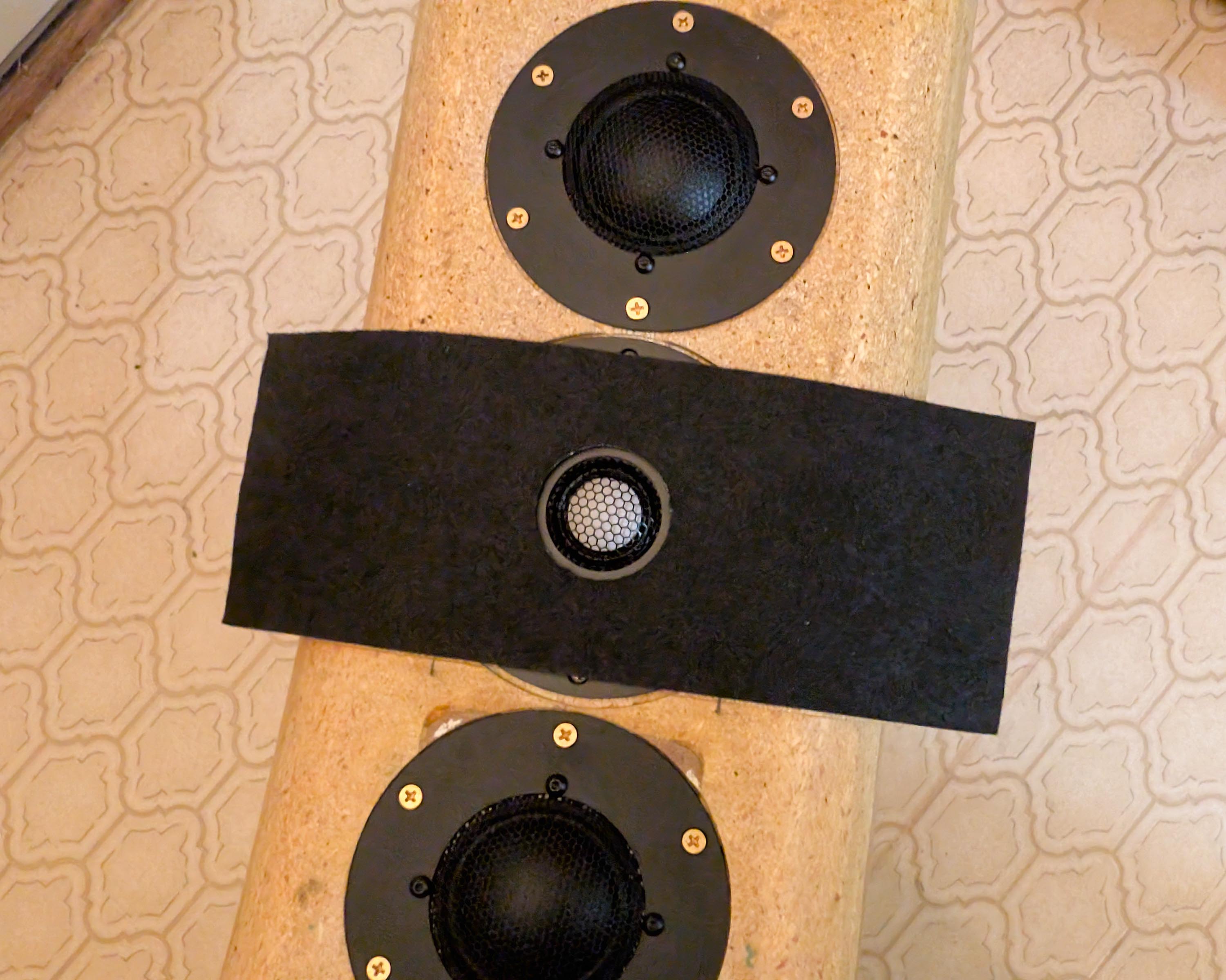
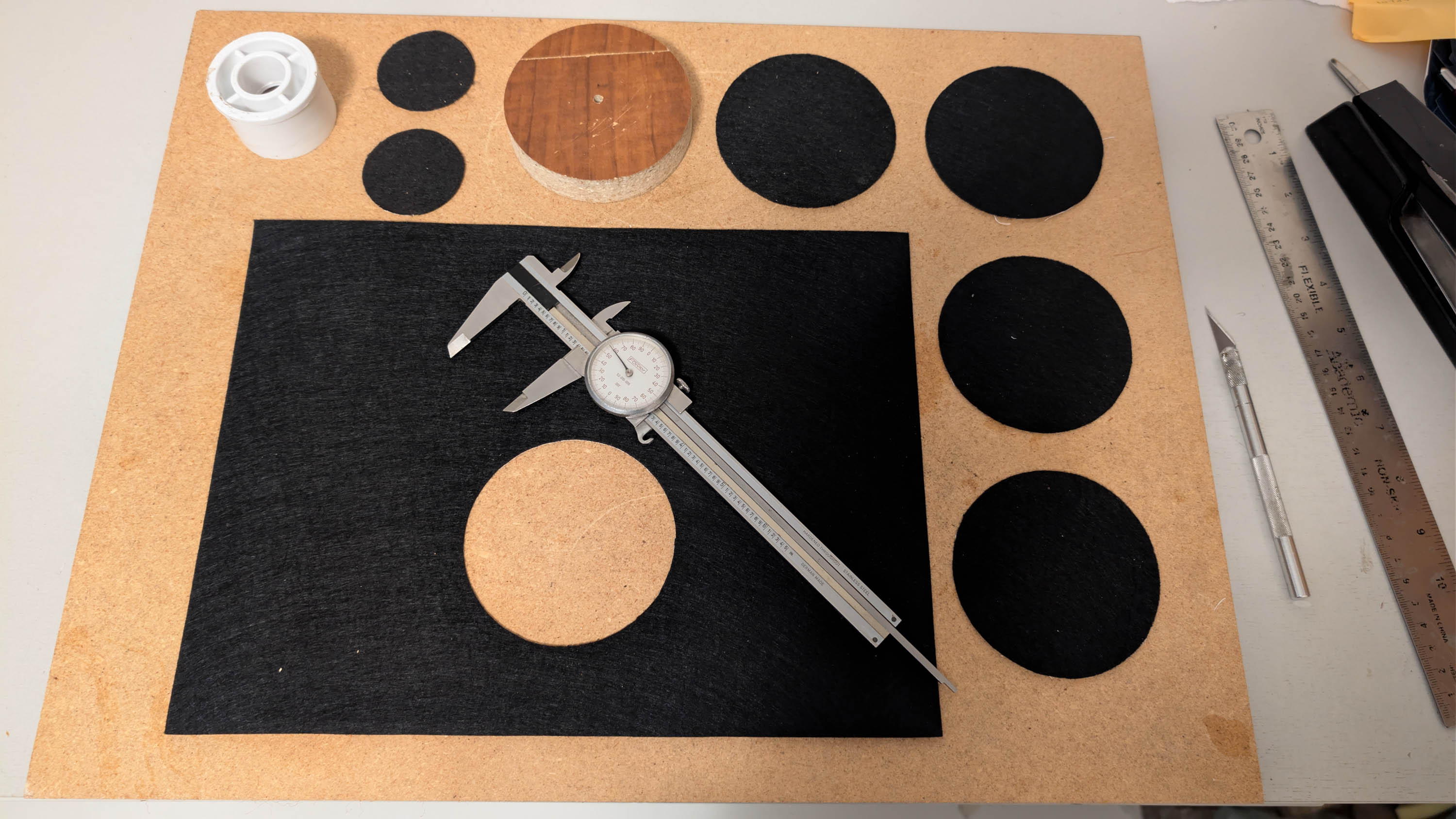
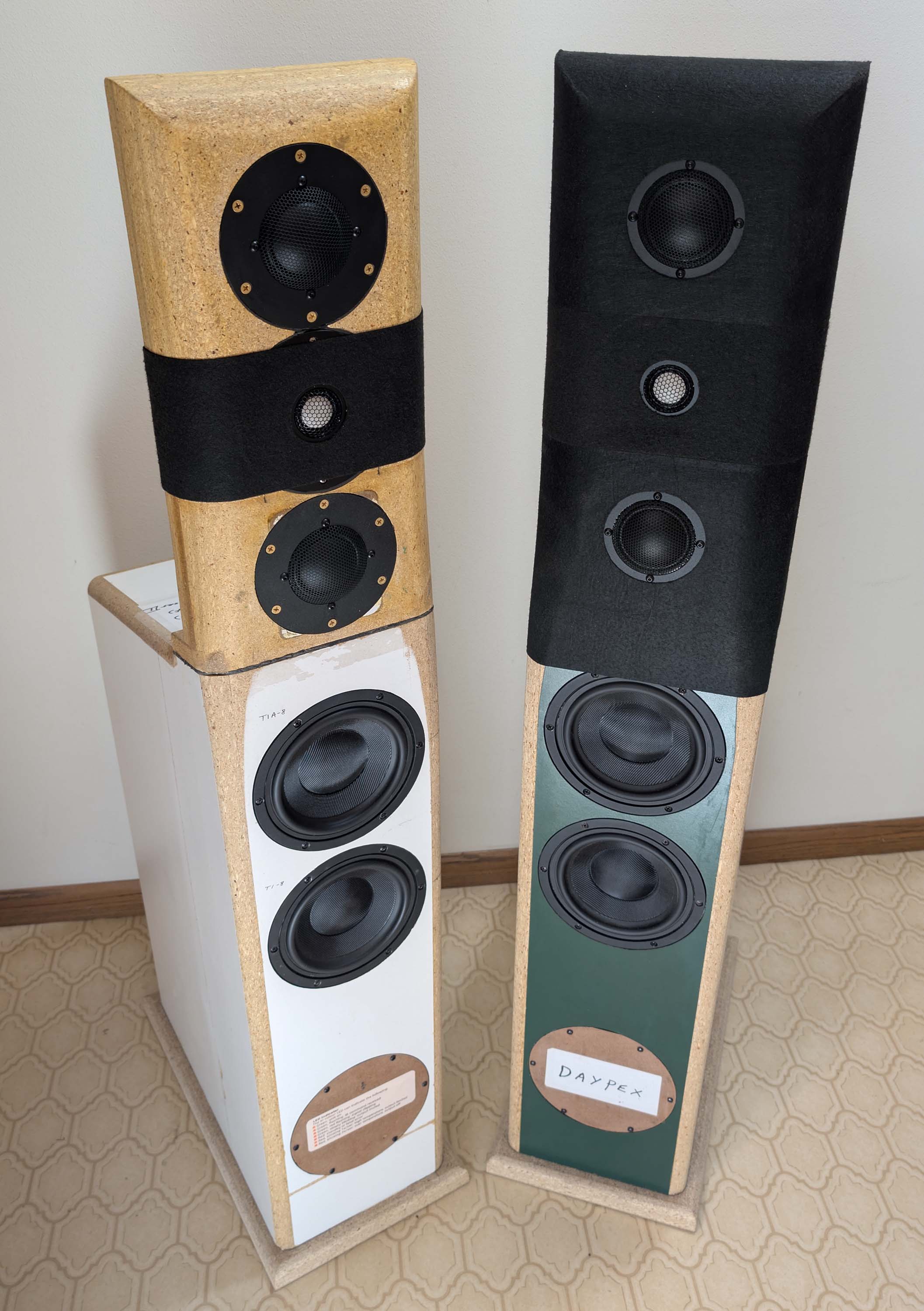
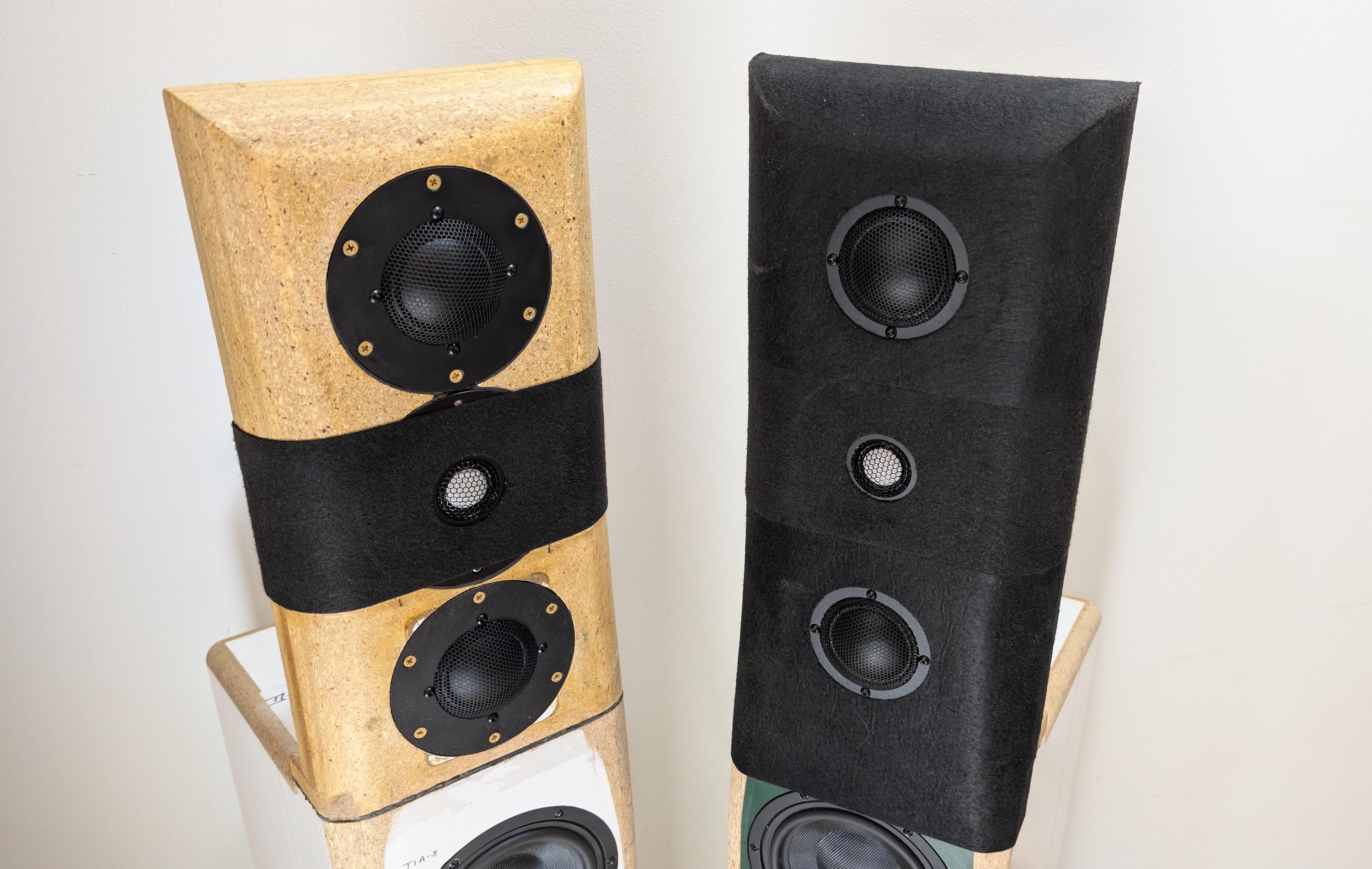
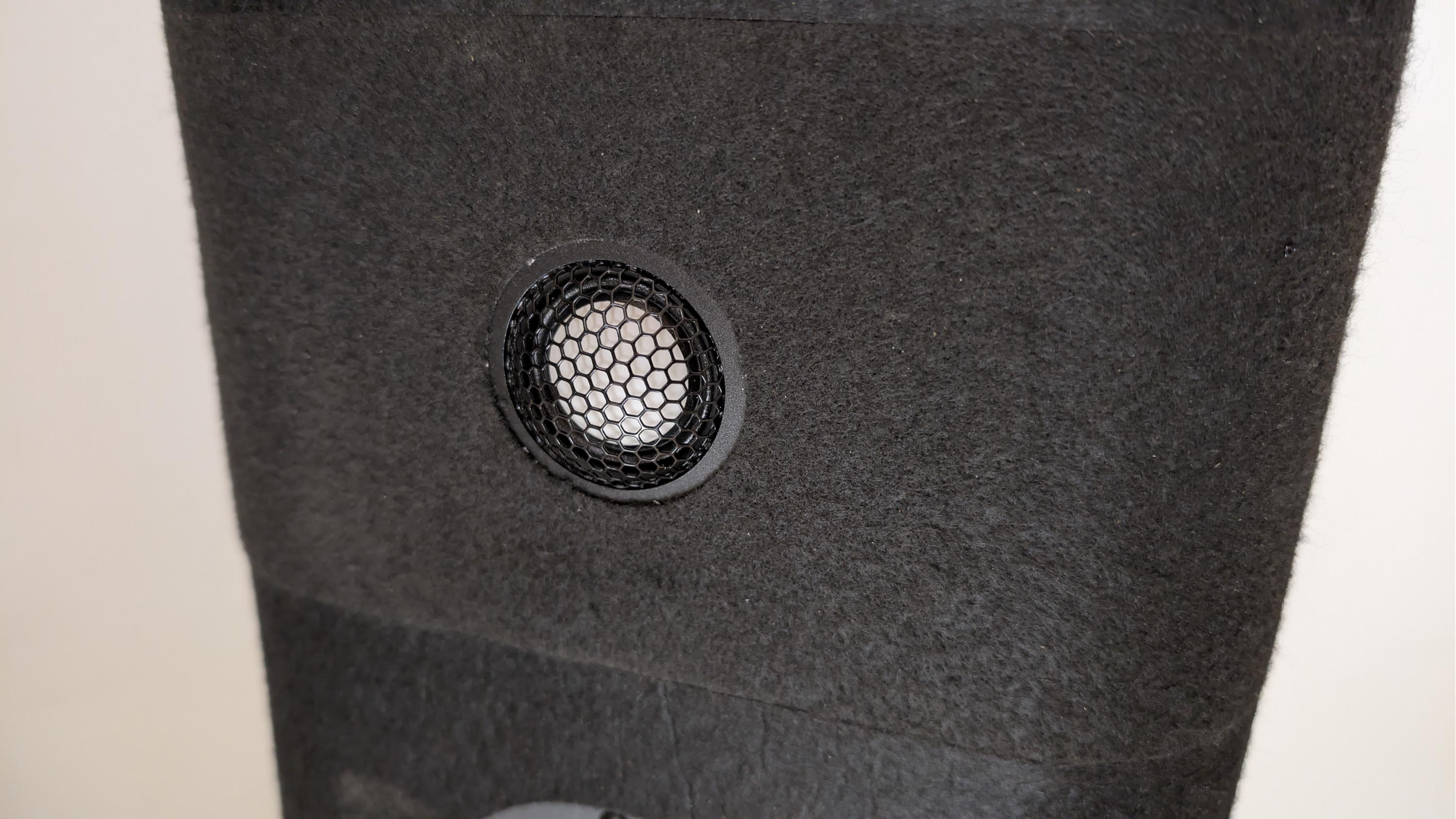
I made a boo boo when routing the tweeter and midrange recesses. The bolt that holds the pivot pin in position on my router circle cutting guide started to lossen up as I routed each recess. I didn’t notice the problem until I was done with all the recesses, but then it was too late. As you can see in the pics, this resulted in a gap around the tweeter recess of almost 1/8". This really affected the on-axis measurements (see graphs). I’m now in the process of covering up my mistake with felt. I’m cutting small holes for the tweeter and midrange domes in pieces of 9x12" self stick felt. The entire upper MTM baffle will be covered in felt when I get done.
And it’s clearly audible too. Just look at the way the phase curve is completely messed up from 5 to 20kHz on the baffle with no tape verses the nice smooth phase curve on the one with masking tape applied. This is enough to cause a really strange “phasy” type sound quality at the listening position, almost to the point where the entire phantom image begins to collapse!
Felt is done on both MTM upper baffles. I layed out and carefully cut the driver holes with circular templates and a hobby knife. Frequency response measures exactly the same, on axis, compared to the masking tape version. But I think the new and improved felt version sounds just a little bit smoother. Confirmation bias?
Thanks, guys. This turned out so well, I’m actually thinking of doing the entire baffle, top to bottom, with felt! Re-name the speaker, “Hyper Felt”
Still working on developing a linear phase FIR filter type crossover. My current crossovers all use minimum phase IIR type filter blocks. They work well. But I have not figured out yet how to properly create linear phase filters that do not mess up the magnitude response at the same time. I can export a FIR filter TXT impulse file properly using the FA192/93750/1500 tap settings. And I can import them into the Hypex HFD software (programming the DSP) without getting software errors. I just can’t get the frequency response or phase to look anything close to flat or linear. Maybe I’ll switch over to rephase to develop the FIR filters and see if I can get that to work.
This is the cheap, thin peel and stick stuff sold at Hobby Lobby or Michaels. Measures .035" thick, or about the thickness of a business card. Comes in 9x12" sheets. Fills and covers up the circular trenches left by my botched router job but probably has minimal affect at absorbing higher frequencies.
Same here. I’m now up to about 5 or 6 videos plus 5 or 6 ASR/diyaudio FIR filter type threads and I’m still completely lost. Programming DSP with standard IIR filters is a piece of cake, probably much easier than doing a passive xover. But FIR filtering is a different animal. I’m probably just missing a couple key points, which, once I grasp them, will make the entire process fall in line.